
SD Card Data Recovery Software: What Actually Works in Real Situations

- 1. Best Data Recovery Software for SD Cards At Glance
- 2. How SD Card Data Loss Commonly Happens
- 3. When Data Recovery Software Works Well
- 3.1. Accidental Deletion or Quick Format
- 3.2. Corrupted but Detected SD Cards
- 4. When Recovery Software Usually Fails
- 5. Recovering Data After Formatting: What to Expect
- 6. SD Card Not Detected: Can Software Still Help?
- 7. Best Data Recovery Software for SD Cards (Practical Picks)
- 7.1. Disk Drill (Best for macOS Users)
- 7.2. EaseUS Data Recovery Wizard (Beginner-Friendly Option)
- 7.3. Stellar Data Recovery (Strong for Corruption Cases)
- 7.4. Recuva (Lightweight Free Option)
- 8. Free vs Paid Data Recovery Software: What Actually Matters
- 9. What Affects Recovery Success Rates
- 10. Common Mistakes That Reduce Recovery Chances
- 11. Frequently Asked Questions
- 11.1. Can SD card data be recovered after formatting?
- 11.2. Is free SD card data recovery software safe?
- 11.3. Does data recovery software work on corrupted SD cards?
- 11.4. Which SD card recovery software works best on Mac?
- 12. Final Takeaway
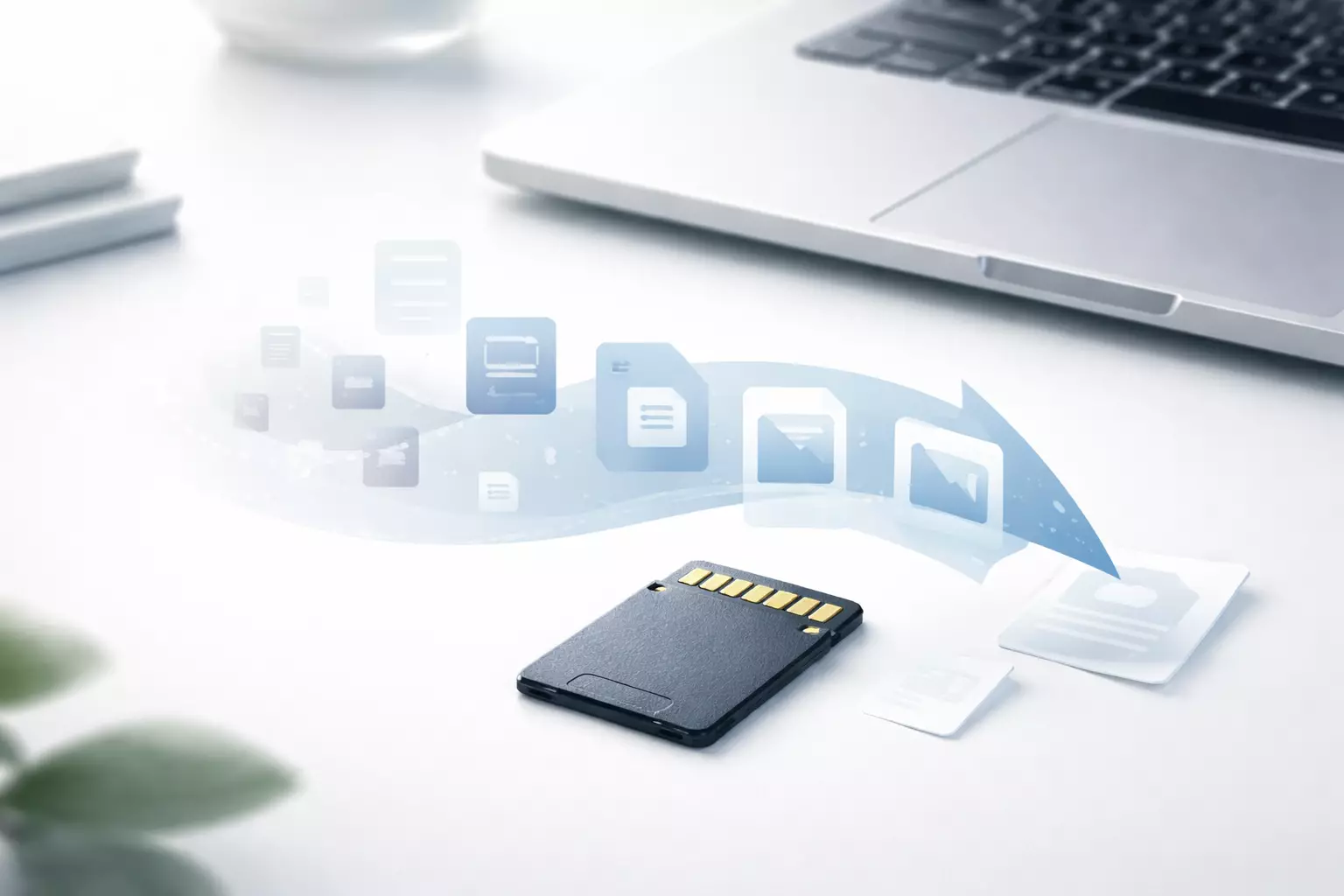
Losing files from an SD card rarely happens at a convenient time. It might be a camera card that suddenly asks to be formatted, a memory card that won’t open on your laptop, or photos that vanish after one wrong click. In these moments, sd card data recovery software often feels like the only realistic option—especially if professional recovery isn’t practical.
Many users search for the best SD card data recovery software hoping for a single perfect solution, but in reality, recovery success depends far more on what caused the data loss than on the brand name of the tool.
This guide explains how recovery actually works, how to recover SD card data safely, and which tools make sense for specific scenarios—without hype or unrealistic promises.
Best Data Recovery Software for SD Cards At Glance
| Software Name | Platform | Best For | Free Version | Estimated Price |
| Disk Drill | macOS, Windows | Formatted SD cards, photo & video recovery | Scan & preview | ~$89 (one-time) |
| EaseUS Data Recovery Wizard | Windows, macOS | Corrupted SD cards, beginners | Limited recovery | ~$69/year |
| Stellar Data Recovery | Windows, macOS | File system corruption, RAW photos | Scan & preview | ~$79–$99 |
| Recuva | Windows | Recent deletions, small SD cards | Yes | ~$20–$25 (Pro) |
This table offers a quick overview—detailed use cases, limitations, and real-world expectations for each tool are explained below.
How SD Card Data Loss Commonly Happens
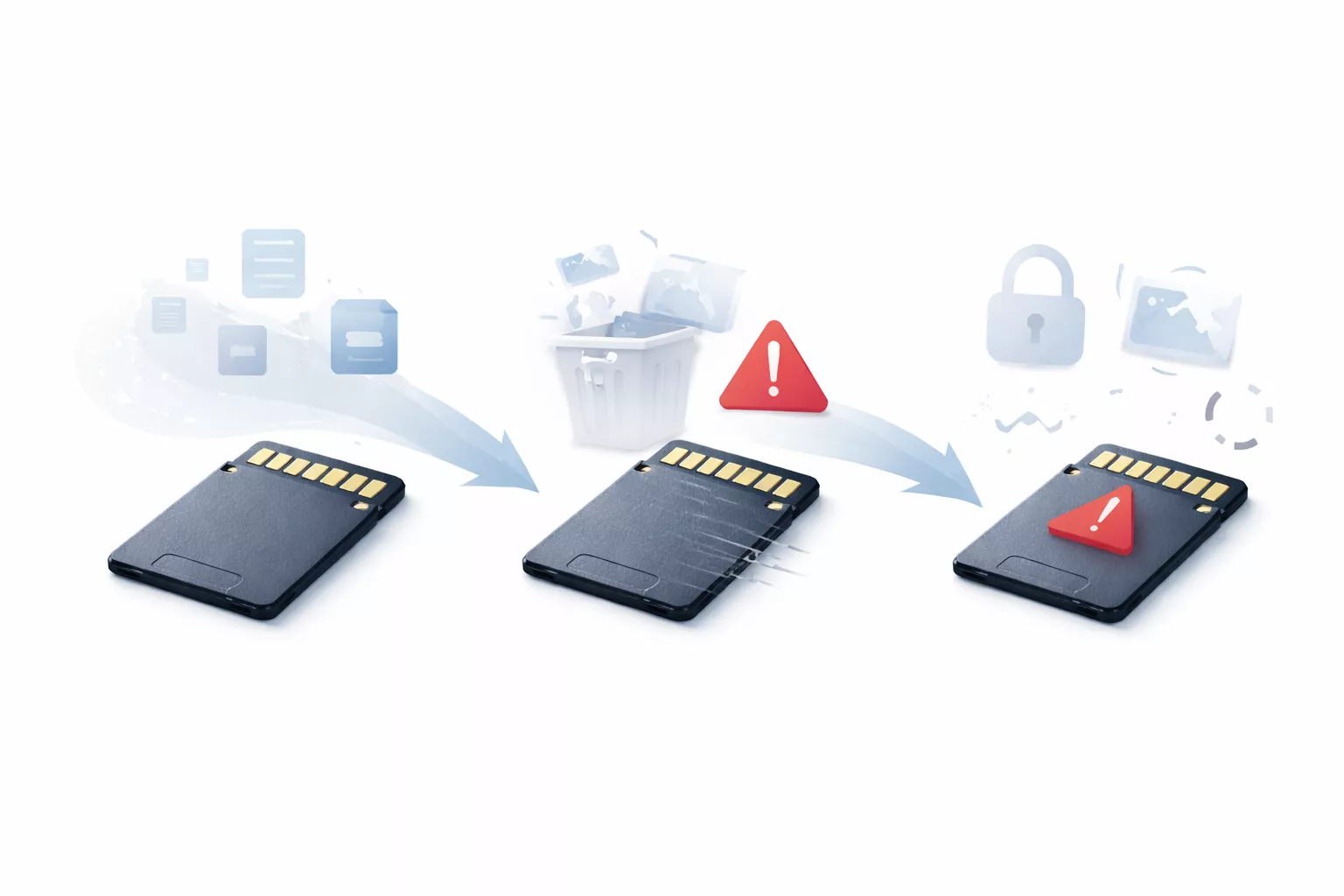
Most SD card problems fall into a few predictable categories. Understanding which one applies to you is the first step in deciding whether data recovery software for SD card use will actually help.
- Accidental deletion of files
- Quick formatting in a camera or phone
- File system corruption from unsafe removal
- SD card showing errors or unreadable data
- The card appearing intermittently or inconsistently
From a storage perspective, formatting usually removes file references rather than the data itself. That’s why file recovery software for memory cards can still locate recoverable data until it’s overwritten.
When Data Recovery Software Works Well
Accidental Deletion or Quick Format
This is the most recoverable scenario. If files were deleted or the card was quickly formatted and then left unused, recovery chances are usually high.
This is where the best SD card recovery program with deep scanning and preview support performs well, especially for photos and standard video formats.
Corrupted but Detected SD Cards
If your card shows errors but still appears in disk management, data recovery software for corrupted SD card issues can often extract files—even if folder names are lost.
Tools designed for software data recovery on memory cards typically scan raw storage blocks rather than relying on file system integrity.
When Recovery Software Usually Fails
Despite marketing claims, even the best SD card recovery software has limits. Recovery usually fails when:
- The SD card is physically damaged
- The card is not detected at all
- Flash memory cells have degraded
- Data has been overwritten multiple times
In these cases, switching tools rarely helps. Understanding these limits prevents wasted time and frustration.
Recovering Data After Formatting: What to Expect
One of the most common questions users ask is how to recover SD card data after format. The answer depends on what happened next.
Recovery is most successful when:
- The format was quick, not full
- No new data was written afterward
- A card reader is used instead of a camera cable
Recovery becomes unreliable when:
- The card has been reused
- The format rewrote memory blocks
- Encryption is involved
This explains why two people using the same memory card recovery software can get very different results.
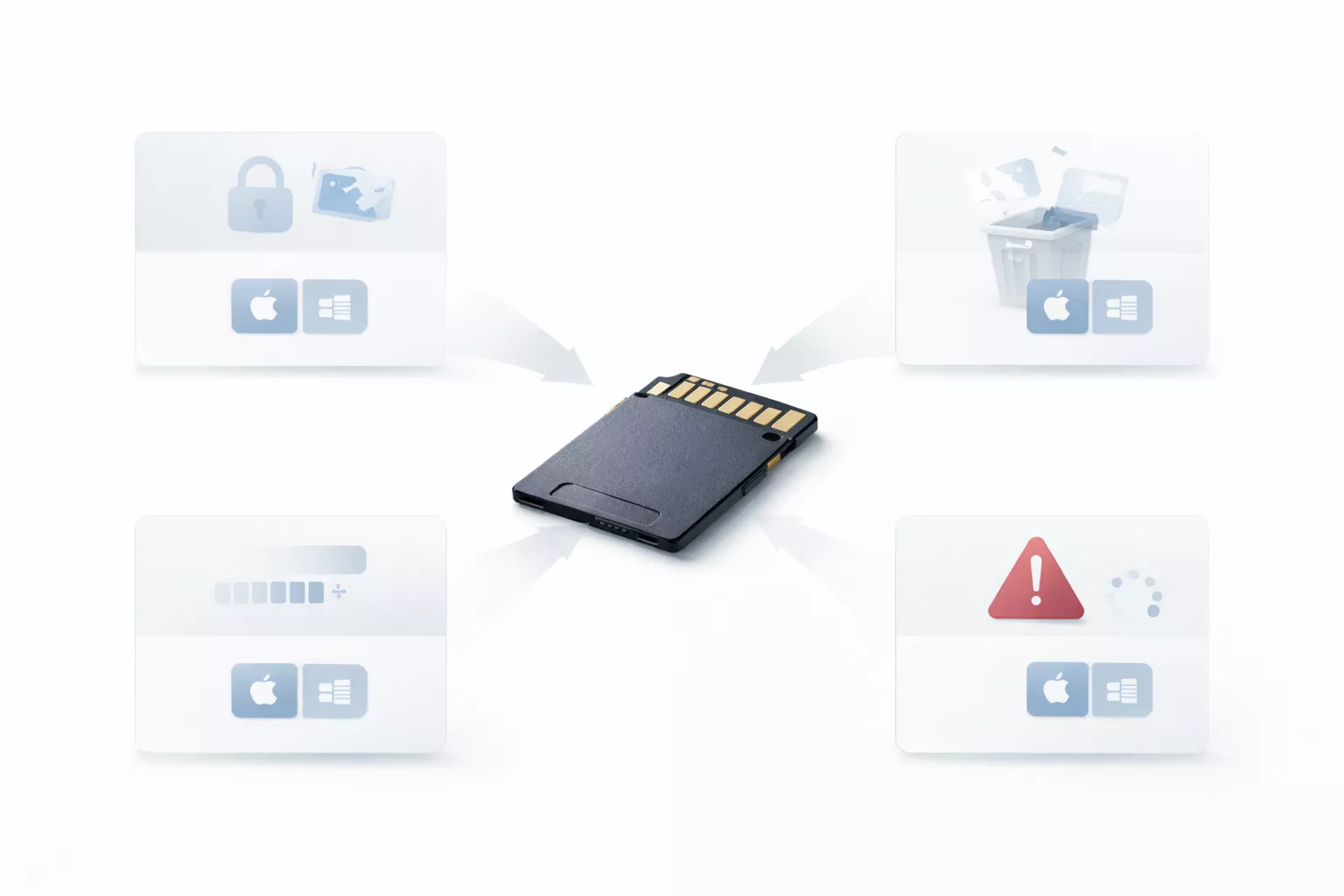
SD Card Not Detected: Can Software Still Help?
“How to recover an SD card” becomes tricky when the device doesn’t show up at all. There are three common cases:
- Card appears in disk management but not file explorer
- Card shows incorrect capacity
- File system is unreadable
In such situations, a card recovery data software with low-level scanning may still recover files, though names and folders are often lost.
If the SD card isn’t detected anywhere, software recovery is usually not possible.
Best Data Recovery Software for SD Cards (Practical Picks)
This section focuses on real tools people search for, matched to real scenarios instead of marketing rankings.
Disk Drill (Best for macOS Users)
Disk Drill is frequently used as SD card data recovery software for Mac, particularly when files were deleted or the card was formatted. Its macOS-native design and preview feature make it easier to assess recovery potential before paying.
Pros
- Strong macOS compatibility
- File preview before recovery
- Good performance on formatted SD cards
Cons
- Free version doesn’t allow full recovery
- Deep scans can be time-consuming
Best for
- macOS users
- Photo and video recovery
Pricing (approx.)
- Free scan & preview
- Paid version: ~$89 (one-time)
EaseUS Data Recovery Wizard (Beginner-Friendly Option)
EaseUS is widely used by non-technical users and works well as data recovery software for memory card issues when corruption is involved.
Pros
- Simple, guided process
- Broad file support
- Works on many SD card errors
Cons
- Free recovery limit
- Occasional duplicate scan results
Best for
- First-time users
- Mixed file recovery
Pricing (approx.)
- Free limited recovery
- Paid plans from ~$69/year
Stellar Data Recovery (Strong for Corruption Cases)
Stellar is often chosen when SD cards request formatting or show persistent errors, making it a solid best SD card recovery tool for structured corruption scenarios.
Pros
- Effective for corrupted cards
- Supports RAW photo formats
- Scan customization
Cons
- Slower scans on large cards
- Dated interface
Best for
- Photographers
- Corruption-related recovery
Pricing (approx.)
- Free scan & preview
- Paid version: ~$79–$99
Recuva (Lightweight Free Option)
Recuva works best for recently deleted files and small SD cards. It’s not designed for severe corruption but can help recover deleted files from an SD card quickly.
Pros
- Free version available
- Fast and simple
- Good for recent deletions
Cons
- Limited deep scan
- Not suitable for complex cases
Best for
- Accidental deletions
- Small memory cards
Pricing (approx.)
- Free version available
- Pro version: ~$20–$25
The same decision-making principles used to compare recovery tools apply across other software categories as well, and we follow a similar evaluation approach in our social media management tools and pricing guide.
Pricing is subject to change based on promotions, regions, or licensing updates. Please refer to the official website of the respective software for the most current pricing details.
Free vs Paid Data Recovery Software: What Actually Matters
The discussion around free vs paid data recovery software usually comes down to limits rather than capability.
Free tools help you:
- Check if recovery is possible
- Recover small amounts of data
Paid tools are better when:
- SD cards are large
- Video files are involved
- Deep scan accuracy matters
Choosing between free and paid recovery tools often comes down to understanding real-world limitations rather than feature lists, similar to how software is evaluated in our best photo editing software guide.
Trying a free scan before paying is a practical approach for most users.
What Affects Recovery Success Rates
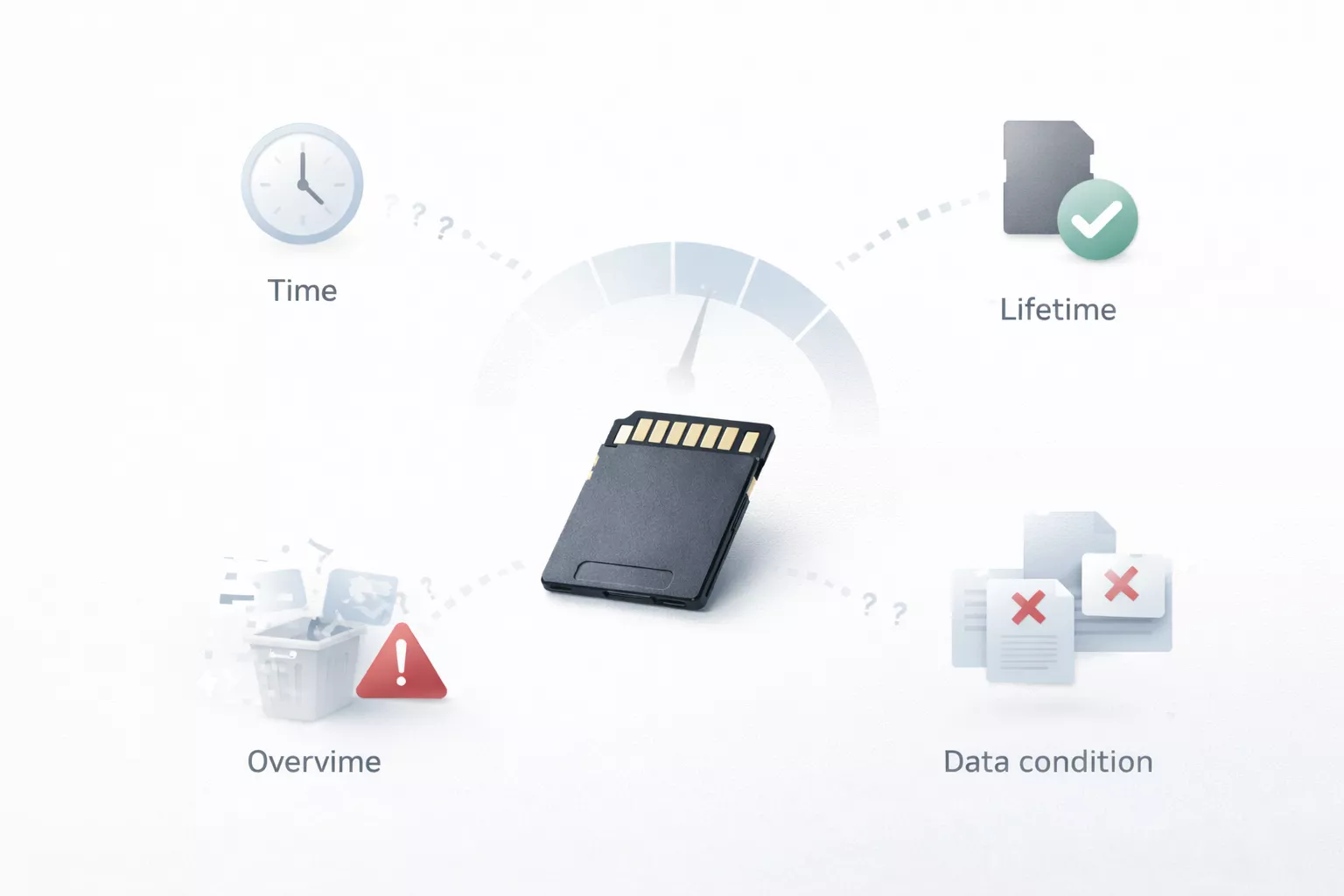
The success rate of data recovery software depends on:
- Time since data loss
- Amount of overwrite
- Card quality and age
- File type and fragmentation
This is why recovery outcomes vary even with the same software.
Common Mistakes That Reduce Recovery Chances
These mistakes show up repeatedly:
- Continuing to use the SD card
- Formatting multiple times
- Installing recovery software on the same card
- Trusting “100% recovery” claims
Stopping use immediately gives recovery tools the best chance to work.
Frequently Asked Questions
Can SD card data be recovered after formatting?
Yes, especially after a quick format and if the card hasn’t been reused.
Is free SD card data recovery software safe?
Some are safe but limited. Avoid unofficial or cracked tools.
Does data recovery software work on corrupted SD cards?
It can, as long as the card is still detected by the system.
Which SD card recovery software works best on Mac?
Tools with native macOS support generally perform better than cross-platform ports.
Final Takeaway
SD card data recovery software works best when expectations are realistic and action is taken quickly. Understanding the cause of data loss matters more than chasing the most popular name.
If you act early, choose the right tool for your situation, and avoid common mistakes, you give yourself the strongest chance of recovering your files—without professional intervention.
For more tech insights, tool evaluations, and practical tutorials, visit the TrendVerse home page.

Comments (0)
Leave a Comment