
Best of Photo Editing Software in 2026: What Actually Works for Beginners and Professionals
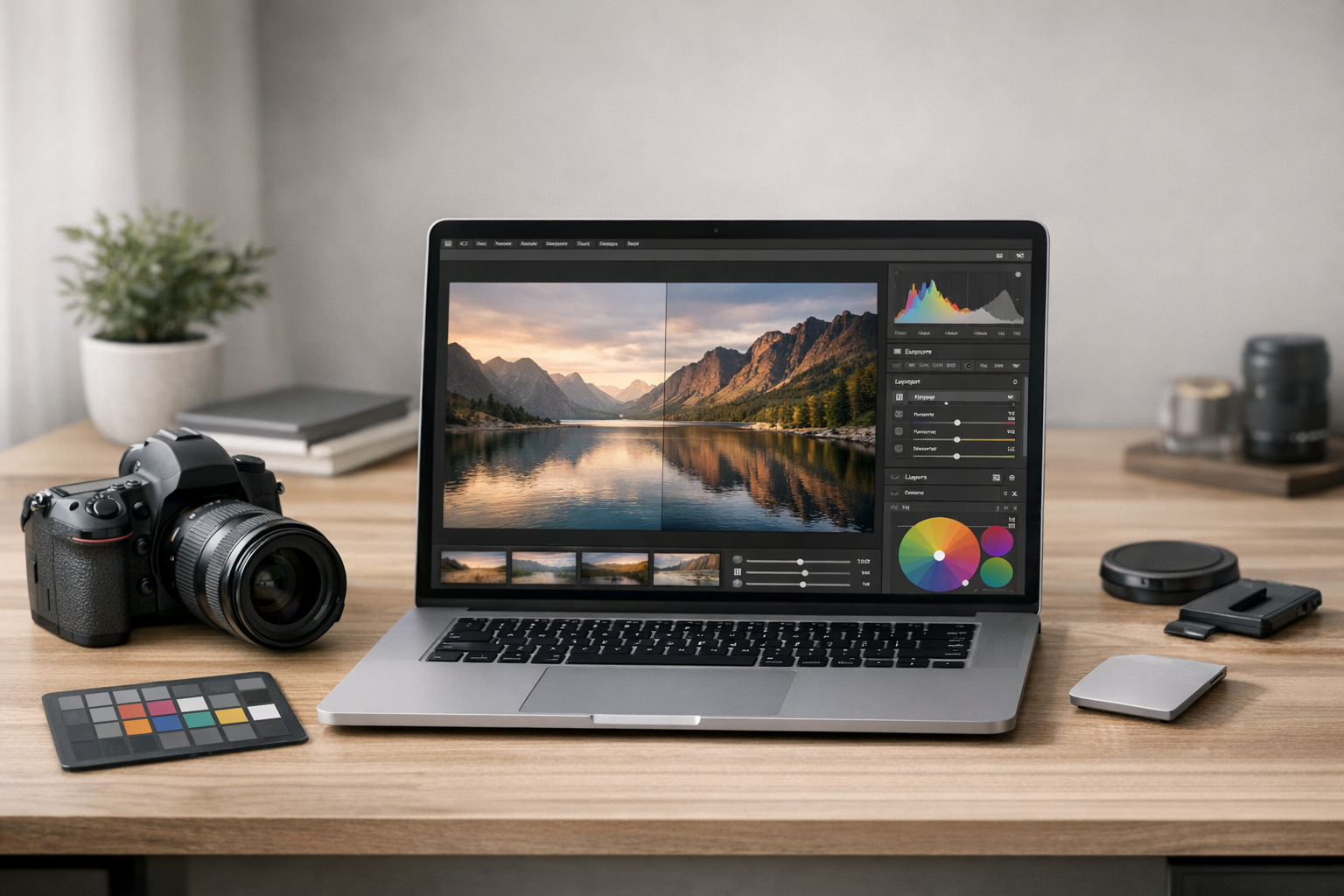

- 1. Photo Editing Software at a Glance
- 2. What Is Photo Editing Software? (And Why It Matters More Than You Think)
- 3. What Makes a Good Photo Editing Software in 2026?
- 4. Best of Photo Editing Software: Real-World Picks (2026)
- 4.1. 1. Adobe Photoshop – Still the Industry Benchmark (With Caveats)
- 4.2. 2. Adobe Lightroom – The Photographer’s Workhorse
- 4.3. 3. Capture One Photo Editing Software – Precision Over Convenience
- 4.4. 4. Darktable Photo Editing Software – Free, Powerful, and Underrated
- 4.5. 5. GIMP Photo Editing Software – Free Photoshop Alternative (Almost)
- 4.6. 6. Skylum Luminar – AI-Driven and Beginner-Friendly
- 5. Best Photo Editing Software for Beginners (Quick Guidance)
- 6. Common Mistakes Beginners Make (I’ve Seen This Too Often)
- 7. How to Choose the Best Software for Editing Photos (Decision Framework)
- 8. FAQ: Photo Editing Software Questions People Actually Ask
- 8.1. What is photo editing software?
- 8.2. What is the best photo editing software for beginners?
- 8.3. What is a good photo editing software that is free?
- 8.4. What is the best professional photo editing software?
- 8.5. Is cloud based photo editing software worth it?
- 9. Final Thoughts: Choosing the Best of Photo Editing Software
If you’ve ever searched for the best of photo editing software, you already know how overwhelming the options can be. Every tool claims to be “professional,” “easy,” or “AI-powered,” yet most comparisons don’t tell you what actually matters once you start editing real photos.
After years of working with photographers, content creators, freelancers, and small businesses—and testing these tools hands-on—I’ve learned one thing: the best software for editing photos depends far more on how you work than how many features it advertises.
In this guide, I’ll break down the best rated photo editing software in 2026, explain who each tool is actually for, and help you avoid common beginner mistakes. No hype. No checkbox comparisons. Just practical advice you can trust.
Photo Editing Software at a Glance
| Software | Best For | Pricing |
|---|---|---|
| Adobe Photoshop | Advanced photo manipulation, retouching, and compositing | Subscription (monthly) |
| Adobe Lightroom | Photography workflows, RAW editing, batch processing | Subscription (monthly) |
| Capture One | Studio photography and color-critical editing | Subscription or one-time license |
| Darktable | RAW photo editing on a budget | Free (open-source) |
| GIMP | Learning photo editing fundamentals | Free |
| Skylum Luminar | Fast, AI-assisted photo edits | One-time purchase or subscription |
What Is Photo Editing Software? (And Why It Matters More Than You Think)
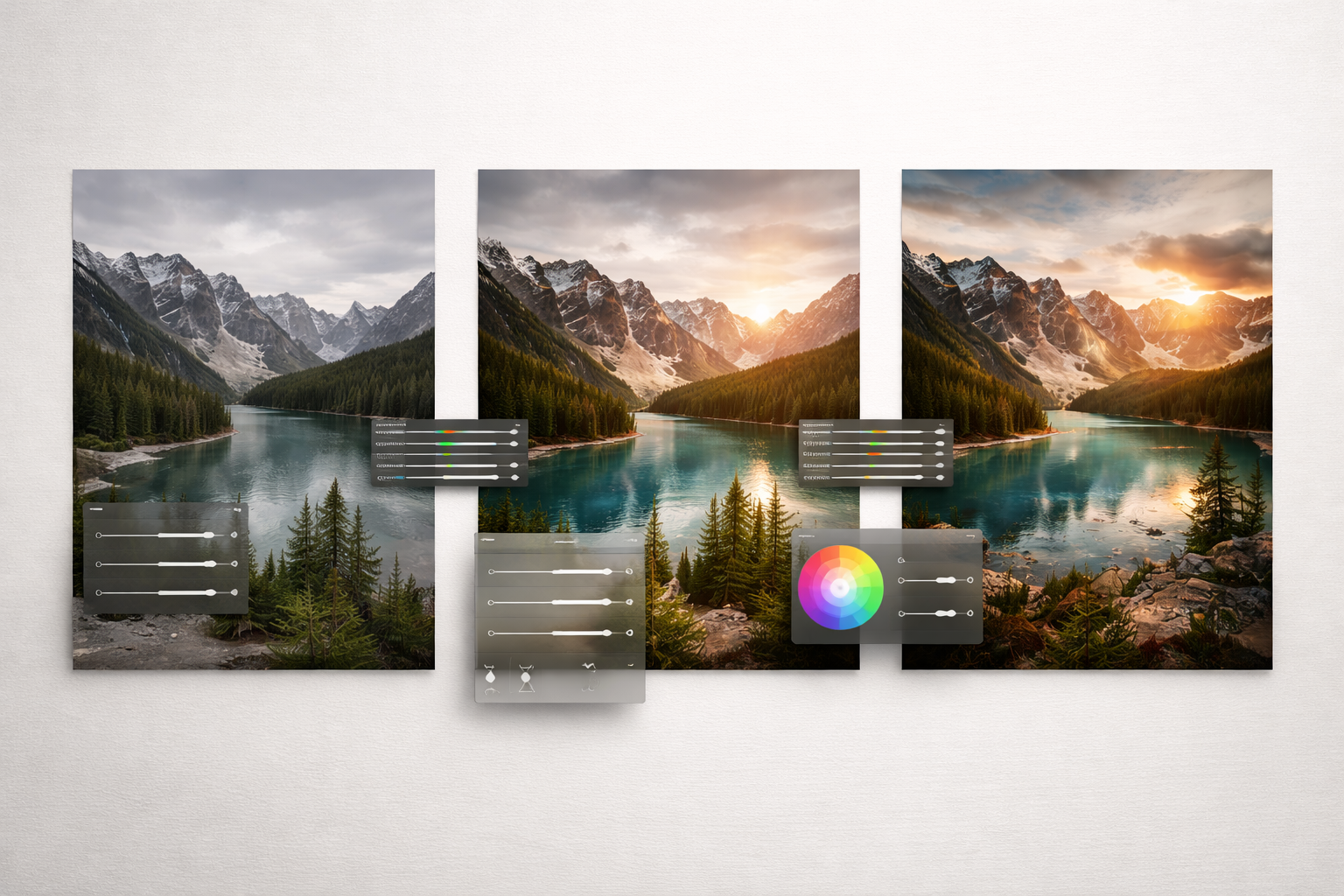
Photo editing software is any program that enables you to modify, improve, retouch, or alter digital photos. That sounds easy—but the truth is complex.
Some software is built for:
- Quick social media edits
- Professional RAW photo workflows
- Non-destructive color grading
- AI-assisted enhancements
- Graphic design + photo editing combined
Choosing the wrong category is why many beginners feel “photo editing is hard” when in reality, they just started with the wrong tool.
What Makes a Good Photo Editing Software in 2026?
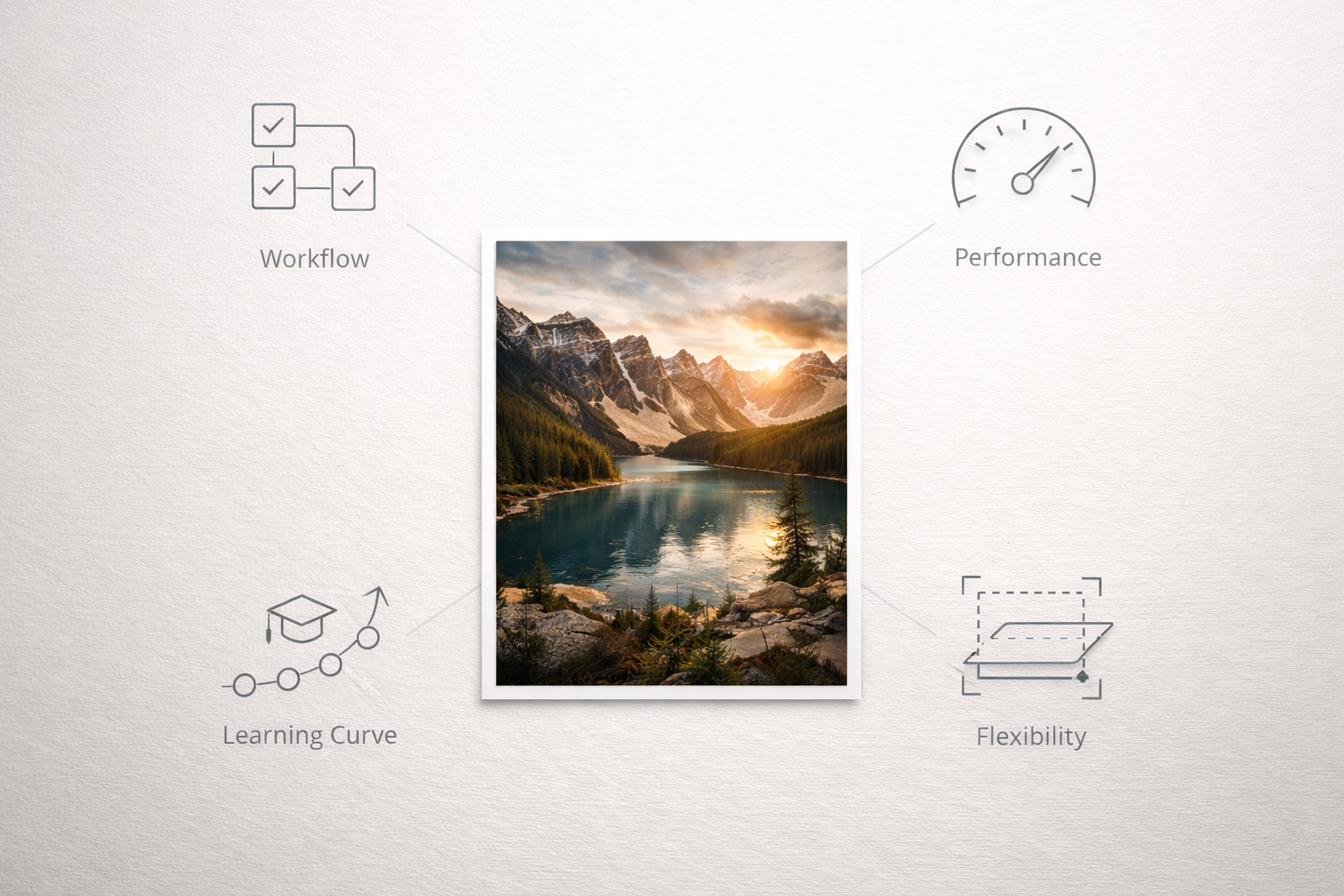
From real-world use, these are the factors that actually matter today:
1. Workflow, Not Features
A tool with fewer features but a smooth workflow will beat a bloated “pro” editor every time—especially for beginners.
This lets you experiment freely without ruining the original photo. Once you use it, you’ll never go back.
3. AI That Saves Time (Not Replaces Skill)
Good AI tools help with masking, noise reduction, and object selection—bad ones overprocess everything.
4. Performance on Your Hardware
The best professional photo editing software is useless if it lags on your laptop.
5. Learning Curve vs Long-Term Value
Some tools are easy today but limiting tomorrow. Others take time but scale with your skill.
Best of Photo Editing Software: Real-World Picks (2026)
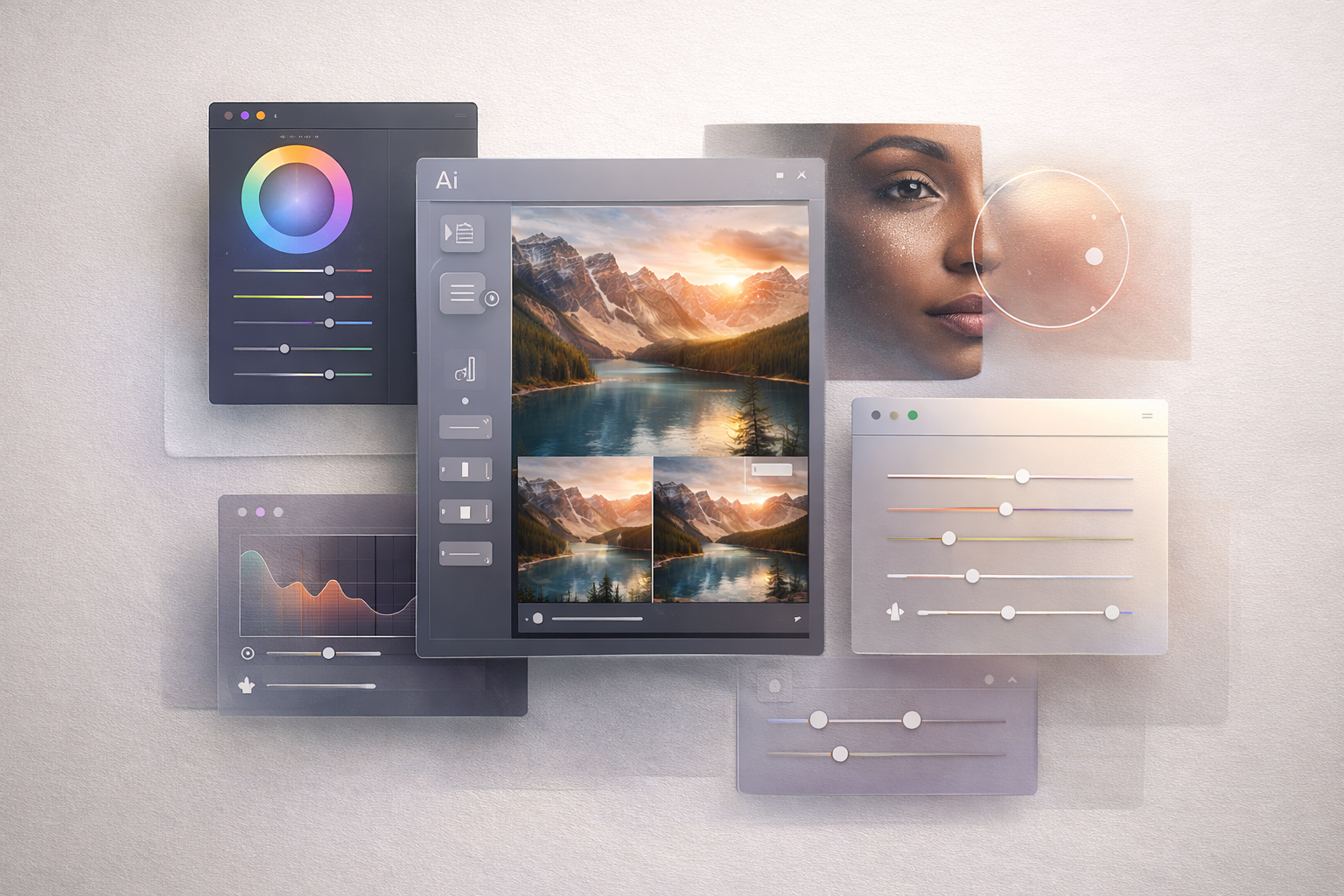
Here are the ones that actually work on real projects, not just demos.
1. Adobe Photoshop – Still the Industry Benchmark (With Caveats)
Best for: Professionals, designers, advanced retouching
Skill level: Intermediate to advanced
Photoshop remains one of the top rated photo editing software options for a reason. Its control over layers, masks, retouching, and compositing is unmatched.
What I Like
- Precision tools for professional workflows
- Excellent AI masking and object selection
- Massive plugin and tutorial ecosystem
Where It Falls Short
- Subscription-only pricing
- Overkill for beginners
- Steep learning curve if you only want basic edits
Adobe Photoshop Pricing & Plan
- For Individuals - It typically range $34-$35/Month
- For Business - Around $37-$38/Month (Annually, billed monthly)
**Note: Prices are subjective to changes for Adobe Photoshop based on regional, promotional, or by provider's choice. The prices shown above is based on US region**
Verdict: Still the gold standard—but not the best beginner photo editing software.
2. Adobe Lightroom – The Photographer’s Workhorse
Best for: Photographers, content creators, batch editing
Skill level: Beginner to intermediate
If you shoot in RAW or edit lots of photos, Lightroom is one of the best software editing photos efficiently.
Why It Works
- Non-destructive editing
- Fast batch processing
- Clean, intuitive interface
Lightroom is often what I recommend when people ask, “What is a good photo editing software for beginners who want to grow?”
Lightroom Pricing & Plans:
- It starts from $11-$12/Mo (Annually, billed monthly)
**Note: The prices are subjective to changes for Adobe Lightroom based on regional, promotional, or by provider's choice. The prices shown above is based on US region**
Cloud bonus: Lightroom’s cloud-based photo editing software sync is genuinely useful—not gimmicky.
3. Capture One Photo Editing Software – Precision Over Convenience
Best for: Studio photographers, color-critical work
Skill level: Intermediate to professional
Capture One doesn’t try to be friendly—it tries to be accurate.
Standout Strengths
- Industry-leading color tools
- Excellent tethered shooting
- Deep control over RAW files
Trade-Offs
- Higher learning curve
- Interface can feel intimidating
- Not ideal for casual editing
Capture One Pricing Options
- Subscription (Pro): Around $17/month (billed annually) or higher, includes continuous updates, 3+ seats, and support.
- Perpetual License (Pro): A one-time payment of $329 for the current version, allowing indefinite use without future updates.
- All-in-One Bundle: Approximately $23.25/month (billed annually), covering desktop, mobile apps, and, in some cases, collaboration tools.
- Mobile-Only: About $4.99 per month for iOS devices.
**Note: Prices are subjective regional or promotion changes. The above pricing is based on US regions**
If color accuracy is your livelihood, Capture One photo editing software is worth the effort.
4. Darktable Photo Editing Software – Free, Powerful, and Underrated
Best for: Budget-conscious photographers, Linux users
Skill level: Intermediate
Darktable is proof that good photo editing software doesn’t have to be expensive.
What Surprised Me
- Excellent RAW processing
- Non-destructive workflow
- No subscription, fully open-source
The Catch
- UI is not beginner-friendly
- Learning resources are scattered
If you’re willing to invest time instead of money, darktable photo editing software is a serious contender.
5. GIMP Photo Editing Software – Free Photoshop Alternative (Almost)
Best for: Beginners, students, basic editing
Skill level: Beginner to intermediate
GIMP is often the first free tool people try—and for good reason.
Where GIMP Shines
- Completely free
- Layer-based editing
- Strong community support
Limitations
- Weak RAW handling
- UI feels dated
- Slower workflow for large projects
GIMP photo editing software is ideal if you’re learning fundamentals without spending money.
6. Skylum Luminar – AI-Driven and Beginner-Friendly
Best for: Beginners, content creators, quick results
Skill level: Beginner
Skylum focuses on speed and simplicity, not technical perfection.
Why Beginners Love It
- AI sky replacement, portrait enhancement
- Minimal setup
- Fast learning curve
Where It Struggles
- Less control for advanced users
- AI results can feel artificial if overused
For more details on pricing you check there official pricing page.
For ease of use, Skylum photo editing software is among the easiest photo editing software available today.
Best Photo Editing Software for Beginners (Quick Guidance)
If you’re just starting out, here’s honest advice:
- Want the easiest experience? → Luminar
- Want to learn photography seriously? → Lightroom
- Want free and capable? → GIMP or Darktable
The best beginner photo editing software is the one that encourages you to keep editing—not quit out of frustration.
Common Mistakes Beginners Make (I’ve Seen This Too Often)
- Starting with pro tools too early
- Overusing AI presets
- Ignoring non-destructive workflows
- Chasing “best rated” instead of “best for me”
Stay away from these, and your learning curve is much smoother.
How to Choose the Best Software for Editing Photos (Decision Framework)
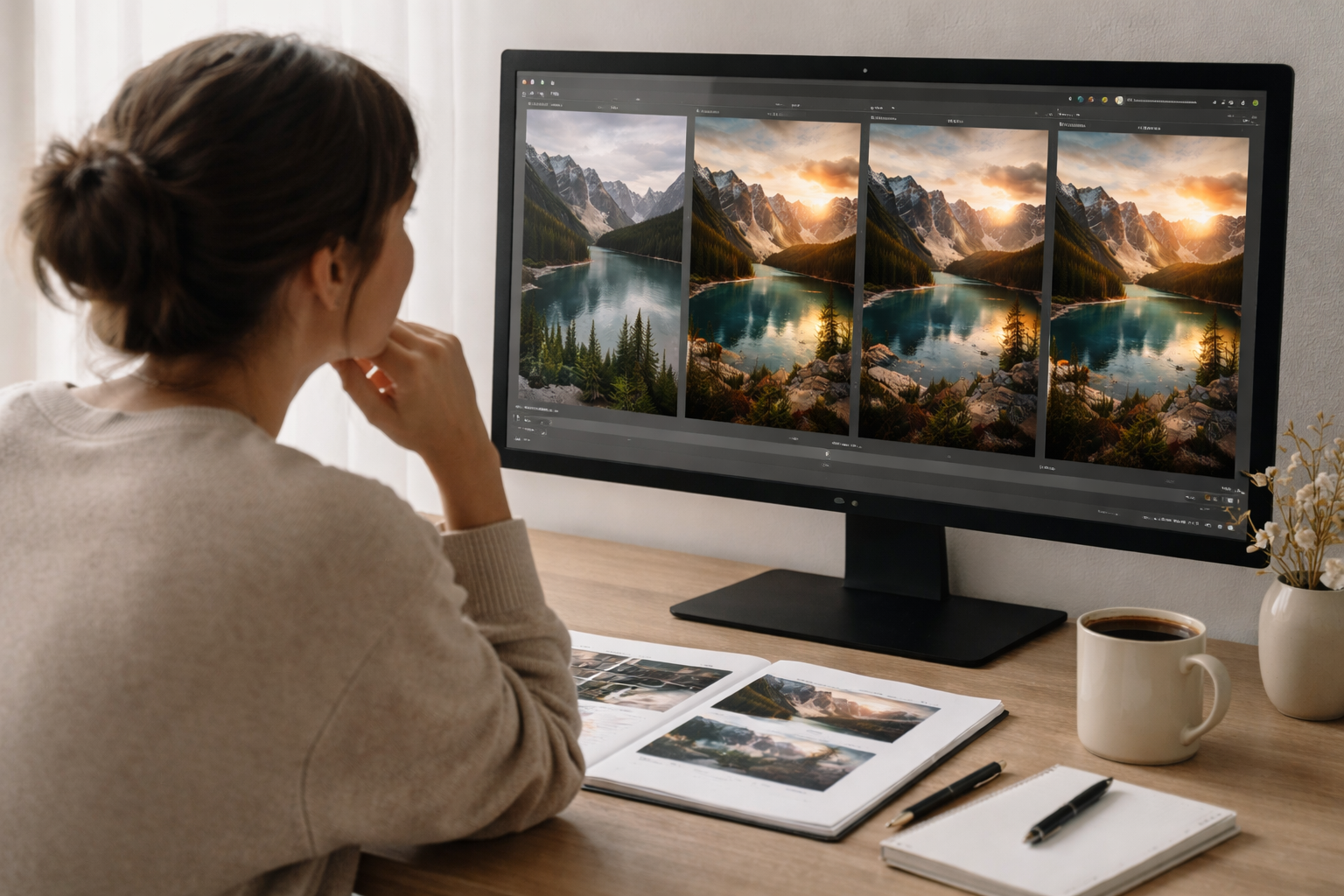
Ask yourself:
- Do I edit occasionally or daily?
- Do I shoot RAW?
- Do I need cloud syncing?
- Am I learning or earning?
Your answers matter more than feature lists.
FAQ: Photo Editing Software Questions People Actually Ask
What is photo editing software?
Photo editing software enables you to enhance, retouch and manipulate digital images with tools such as color correction, cropping, layers and filters.
What is the best photo editing software for beginners?
For newbies, Lightroom and Luminar are great launch pads with their easy-to-use interfaces and semi-guided work flows.
What is a good photo editing software that is free?
GIMP and Darktable are the most powerful freebies, however, and they just take a bit more work to learn.
What is the best professional photo editing software?
Adobe Photoshop and Capture One are best professional options if you’re into compositing or color accuracy, respectively.
Is cloud based photo editing software worth it?
Yes—if you work across devices or collaborate. Lightroom’s cloud system is currently one of the most practical implementations.
Final Thoughts: Choosing the Best of Photo Editing Software
There is no single “winner” when it comes to the best of photo editing software—only the best match for your goals, skill level, and workflow.
Start simple. Learn deeply. Upgrade when your needs demand it—not when marketing tells you to.
That strategy has spared me hours, dollars and frustration—and it will save you as well.
If you want help narrowing your choice based on your exact use case (content creator, student, freelancer, photographer), TrendVerse has you covered.


Comments (1)
Leave a Comment