
The 6 best ChatGPT alternative tools in 2026


- 1. How we chose the best ChatGPT alternatives tools
- 2. A quick comparison of the top ChatGPT alternatives tools
- 3. The best ChatGPT alternatives tools in 2026
- 3.1. 1. Google Gemini
- 3.2. 2. Claude
- 3.3. 3. Perplexity AI
- 3.4. 4. Microsoft Copilot
- 3.5. 5. Meta AI
- 3.6. 6. Grok
- 4. Tips for choosing the right ChatGPT alternative
- 5. Finding the right ChatGPT alternative for the job
- 6. Frequently Asked Questions
- 6.1. What is the best free ChatGPT alternative?
- 6.2. Can a ChatGPT alternatives be used for professional writing?
- 6.3. Is there a ChatGPT alternative that provides sources for its answers?
- 6.4. How does a ChatGPT alternative integrate with work applications like Microsoft 365?
- 6.5. Why would I need a ChatGPT alternative if the original is so powerful?
- 6.6. Which ChatGPT alternative is best for understanding real-time social media trends?
It feels like ChatGPT has been around forever, right? It has changed the way how we work, write, and think new ideas. It’s a fantastic all-around tool, but "all-around" does not always mean it's the perfect fit for a specific job. Sometimes, you just need something a bit more specialized.
Maybe you are looking for a ChatGPT alternative because you need real-time web access with sources you can actually check. Or perhaps you need an AI that plugs directly into your work tools, like Google Workspace or Microsoft 365, without all the endless copy-pasting. For others, it is all about having enterprise-level security for handling sensitive information.
Whatever your reason, you are in the right place. Our goal here at TrendVerse is to cut through the noise and give you clear, practical advice on tech. In this guide, we’re breaking down the top six alternatives to help you find the perfect AI for your specific workflow.
How we chose the best ChatGPT alternatives tools
To put this list together, we stuck to the core mission of TrendVerse: providing clear, practical guidance you can actually use. We did not just look for what's popular; we looked for what's genuinely useful. Here’s a look at our criteria:
- Response quality and reasoning: The tool must provide high-quality results. We looked for AI that provides accurate, coherent, and context-aware answers powered by advanced models.
- Performance and speed: Performance and speed were key factors. The chatbots on our list are responsive and can handle complex questions without significant delays.
- Unique features and specialization: Each tool needed a unique selling point. Whether it’s citing its sources, integrating with your favorite apps, offering top-tier security, or just having a different conversational style, every alternative here offers distinct capabilities.
- User experience: A powerful tool also needs to be user-friendly. We prioritized platforms with intuitive, clean interfaces that are easy for users of all experience levels to navigate.
- Pricing and value: We looked for transparent pricing models. Every tool here offers either a solid free tier or a paid plan that delivers enough value to justify the cost.
A quick comparison of the top ChatGPT alternatives tools
Before we get into the details, here’s a quick side-by-side look at our top picks. This should give you a fast overview of which tool might be the right fit for you.
| Tool | Best For | Key Feature | Starting Price (Paid) |
|---|---|---|---|
| Google Gemini | Google ecosystem users | Deep integration with Workspace apps & Search | $19.99/month (AI Pro) |
| Claude | Writers & regulated industries | Large context window & enterprise compliance | $20/month (or $17/mo annually) |
| Perplexity AI | Researchers & fact-checkers | Real-time web search with citations | $20/month (or $17/mo annually) |
| Microsoft Copilot | Business productivity | Seamless integration with Microsoft 365 | $18/user/month (add-on) |
| Meta AI | Social media & casual use | Integration with WhatsApp, Instagram, & Messenger | Free |
| Grok | Real-time social insights | Direct access to X (formerly Twitter) data | Included with X Premium ($8/month) |
The best ChatGPT alternatives tools in 2026
Now, let's dive into what makes each of these platforms a solid choice. We'll cover their specific strengths, who they're built for, and what you can expect.
1. Google Gemini
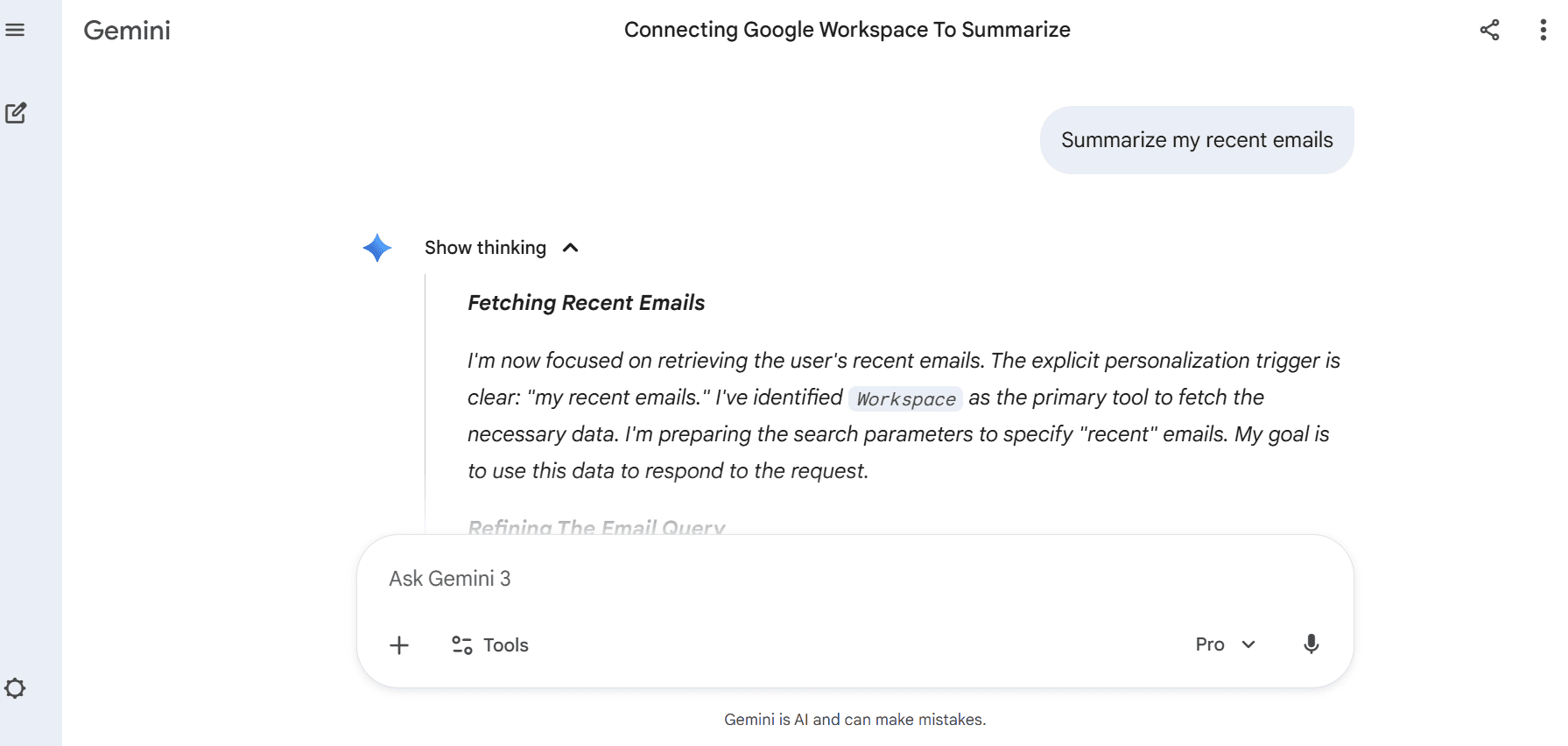
Google Gemini is the tech giant's response to ChatGPT, and its main strength is its deep connection with the entire Google ecosystem. If you live in Google Workspace (Docs, Sheets, Gmail), this is the one for you. Its biggest advantage is pulling real-time info from Google Search and connecting directly with your personal data in Drive and Gmail. It is less of a standalone chatbot and more of an integrated productivity assistant that understands your work context. You can ask it to summarize recent emails about a project and then draft an agenda in Google Docs based on that summary, all in one go.
- Pros: The integration with Google apps is the main draw here, making workflows smoother for anyone already in that ecosystem. The paid plans give you access to models like Gemini 3 Pro and a large 1-million-token context window, which is perfect for analyzing huge documents or long email threads.
- Cons: Some of its most advanced features, like the new Gemini Agent, are currently only available in the US. If you are not a heavy Google user, its primary benefits may be less apparent.
- Pricing:
- Free: A very capable free version is available to anyone with a Google account.
- Google AI Pro: ~$19.99/month, which unlocks Gemini 3 Pro, gives you 2 TB of cloud storage, and enables integration into Workspace apps.
- Google AI Ultra: ~$249.99/month for the highest usage limits and access to the most advanced features as they roll out.
2. Claude
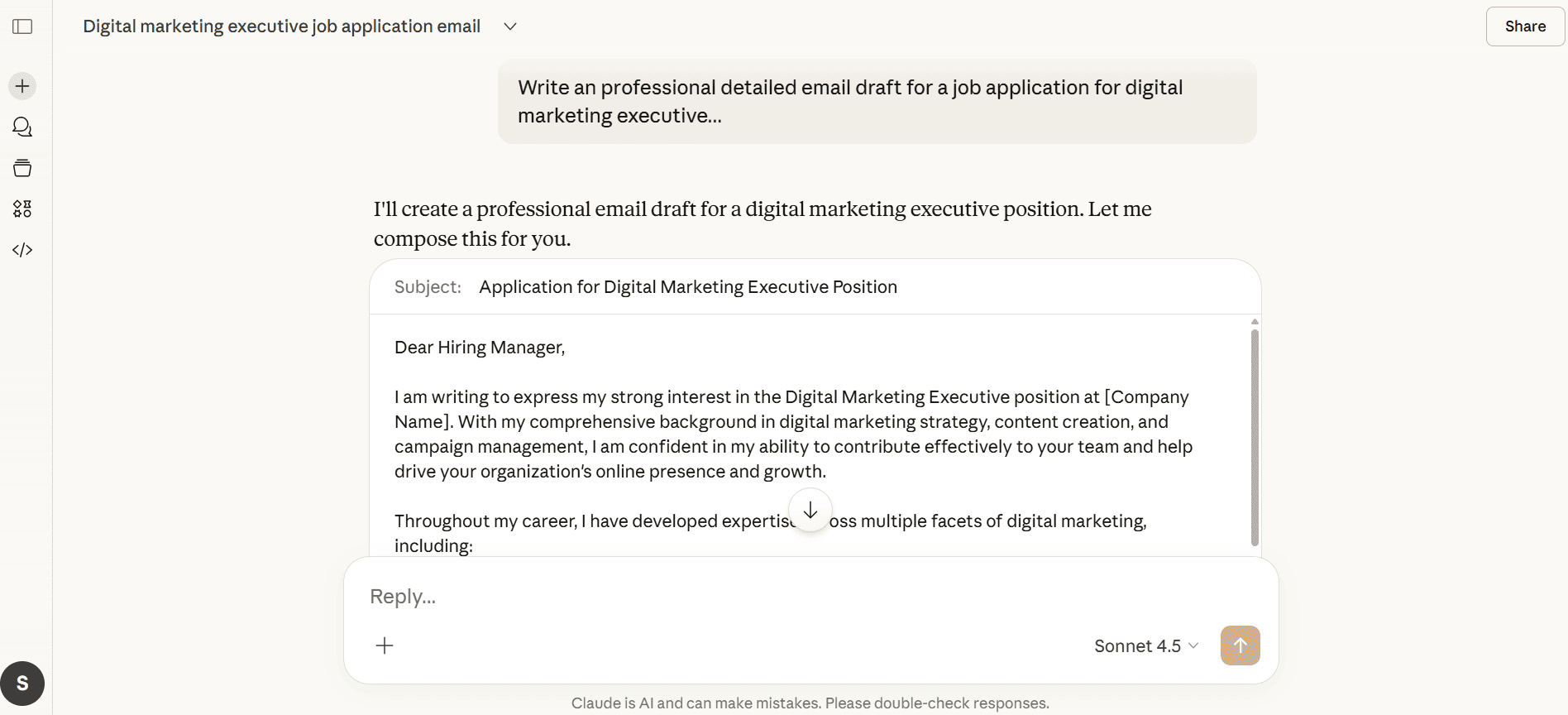
Developed by Anthropic, Claude serves those focused on subtle writing, detailed examination, and protection of data. Guided by the idea of being useful without risk or deceit, it adapts by giving careful answers - sometimes holding back where others rush forward. Its notable feature is its large context window, letting you upload and summarize very long documents (think research papers or legal contracts) with ease. For businesses, Claude has enterprise-grade compliance, including HIPAA and SOC 2 Type 2 certifications, which makes it safe choice for handling sensitive data where other models might be a liability.
- Pros: Claude is good at producing natural, well-structured, and even empathetic text, which is great for professional emails, reports, and content creation. Its safety protocols and compliance certifications make it a wise tool for business use.
- Cons: The free version has lower usage limits that may be reached quickly. Its cautious nature may sometimes limit its creative output for more out-of-the-box brainstorming tasks.
- Pricing:
- Free: Available to everyone, but with daily message limits.
- Pro: $20/month or $17/month annually, offering at least five times more usage than the free plan.
- Team: Starts at $25 per seat per month and adds features for collaboration.
3. Perplexity AI
Perplexity AI is not just a chatbot; it's an "answer engine." It uses conversational AI with a search engine which provides answers with direct, clickable links. It useful for students, researchers, journalists, or anyone who needs accurate, updated, and trusted information. Instead of just giving you an answer, it shows you its work, listing the sources it used to formulate the response. With a reported 10 million monthly active users, it's clear that people are looking for AI-powered answers they can trust.
- Pros: Transparency is a primary strength of Perplexity. Each piece of information or statement ties directly to a source, making it possible to check facts right away. What stands out is how it can zero in on certain areas - say, scholarly articles or social platforms - using something called "Focus," which helps turn up better matches.
- Cons: It is less suited for creative writing or open-ended brainstorming. Finding and putting together facts sits at its center, not chatty skills. How well it responds often depends on what it pulls from the web, not just how it explains things.
- Pricing:
- Free: A generous free plan that includes a limited number of "Pro" searches.
- Pro: $20/month or $17/month annually for unlimited Pro searches, file uploads, and access to models like GPT-5.2 and Claude Sonnet 4.5.
4. Microsoft Copilot
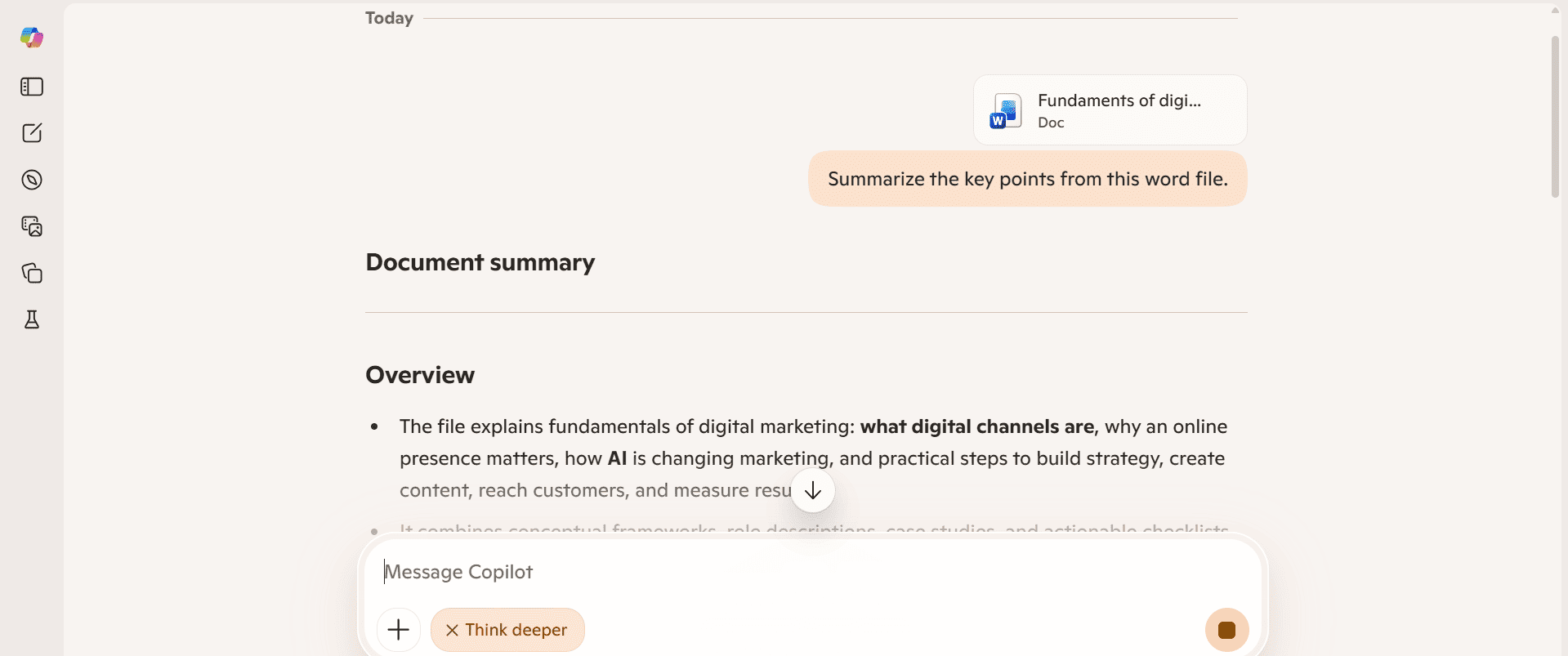
If your workday revolves around Word, Excel, PowerPoint, and Teams, then Microsoft Copilot is a suitable option. It’s an AI assistant that’s woven directly into the fabric of the Microsoft 365 suite. It runs on OpenAI's models but adds an intelligence layer called Work IQ, which gives it context about your company’s data, meetings, and documents. This allows it to perform tasks like summarize a Teams meeting you missed, draft an email in Outlook based on a Word document, or even generate an entire PowerPoint presentation from a simple prompt.
- Pros: The deep, native integration is its main advantage. Switching less between programs makes work faster for those using many Microsoft tools. When you open a file, it knows where you are - so guidance fits exactly what screen lights up.
- Cons: Its usefulness is almost entirely dependent on having a Microsoft 365 subscription. If you are working on tasks outside of that ecosystem, other tools may be more suitable.
- Pricing:
- Microsoft 365 Copilot Business: Starts at $18 per user per month as an add-on to an eligible Microsoft 365 commercial subscription.
5. Meta AI
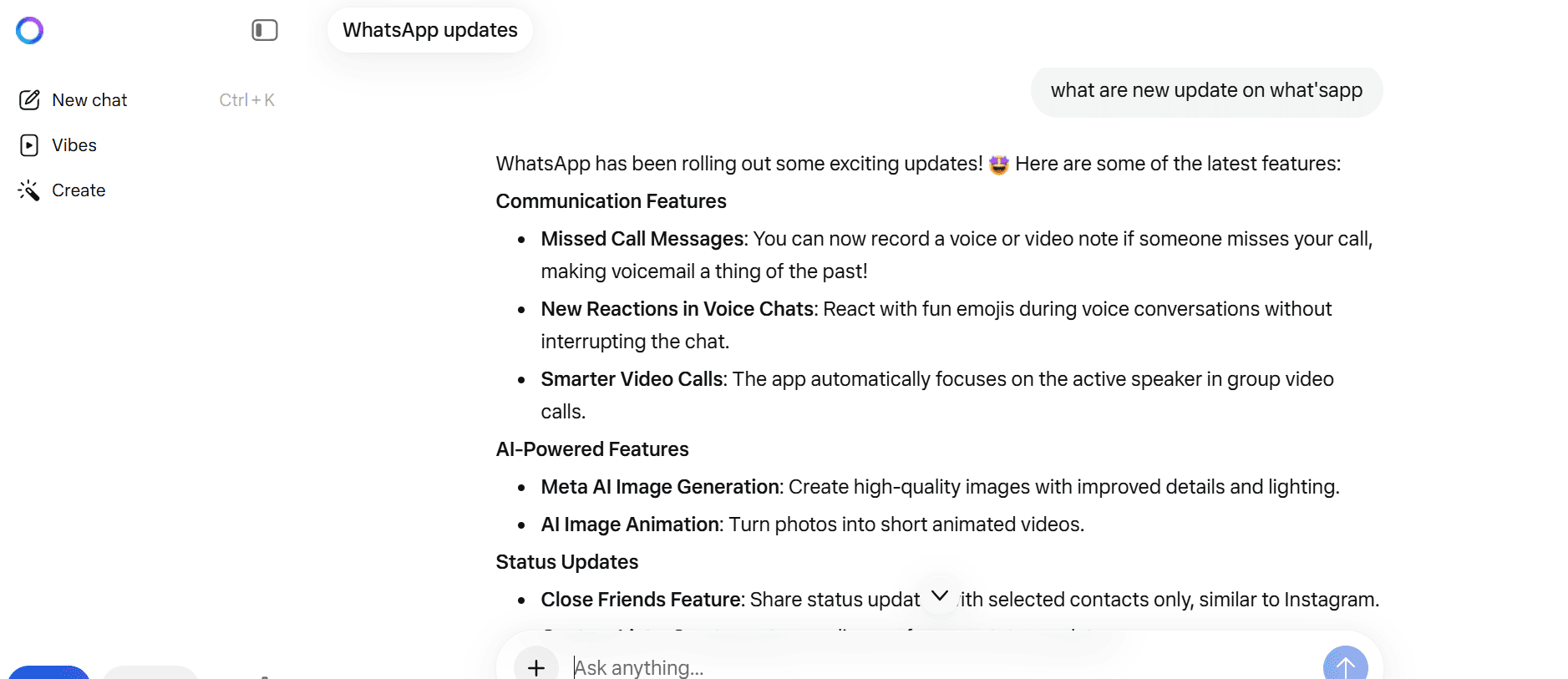
Meta AI is one of the most accessible chatbots on this list, and that’s by design. Powered by Meta's Llama 3 model, it lives right inside the apps you already use every day: WhatsApp, Instagram, and Messenger. It's built for quick questions, generating creative photo captions, or just having a casual conversation without ever having to leave your chat window. You can simply tag "@MetaAI" in a group chat to ask a question or get help with something, making it a frictionless way to use AI in your social life.
- Pros: Convenience is its primary advantage. It's built into apps that billions of people have on their phones, so there’s no new software to learn. It also includes a free and surprisingly fast image generation feature, which is a notable feature, as similar services are often paid.
- Cons: Its functionality is primarily confined to the Meta ecosystem. It is not designed for deep professional or academic work and does not have the same level of reasoning and research capabilities as more specialized tools.
- Pricing:
- Free: Meta AI is available at no cost to users within WhatsApp, Instagram, and Messenger.
6. Grok
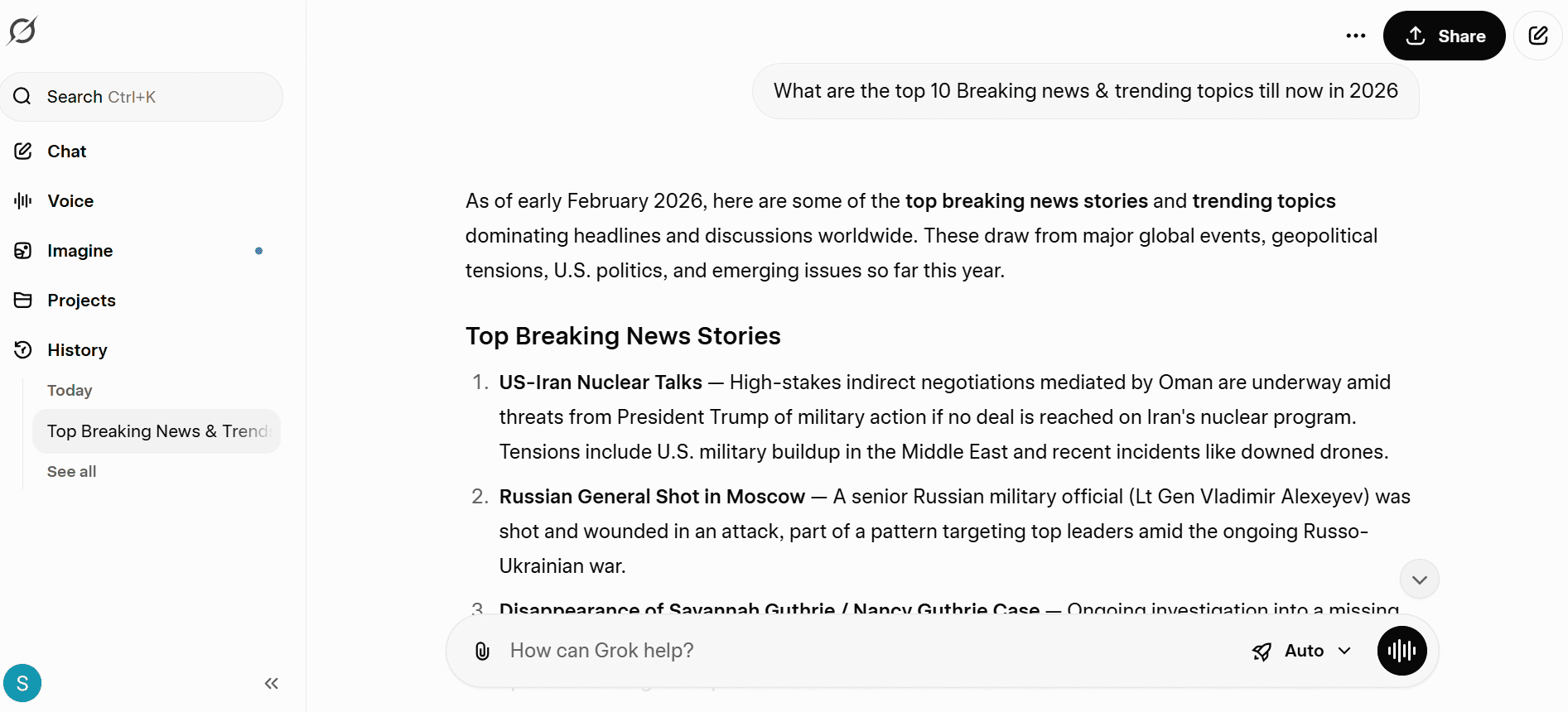
Developed by xAI, Grok is designed with a distinct personality, often described as witty, and is plugged directly into the real-time feed of X (formerly Twitter). This is its key differentiator. While other models are trained on static datasets, Grok has access to the live conversations happening on X at any given moment. This gives it an advantage for understanding current events, breaking news, viral trends, and public sentiment as it happens.
- Pros: The direct X integration means Grok provides real-time information that other models may not have access to. What stands out is how it reacts - usually sharper, almost like a separate personality shaping each reply. That shift in interaction might feel distinct to someone expecting the usual.
- Cons: What makes Grok useful lies specifically within X, meaning it lacks broader applicability outside task-focused environments. Its purpose stays tied closely to that space. Its unique, sometimes sarcastic personality might not be appropriate for professional or formal writing tasks.
- Pricing:
- Included with X Premium: Access to Grok is bundled with an X Premium subscription, which starts at $8 per month.
For a broader look at the different options available, this video provides a great overview of both free and paid alternatives to help you explore even further.
This review covers some of the best free and paid ChatGPT alternative options available today.
Tips for choosing the right ChatGPT alternative
At TrendVerse, we believe the best tool is simply the one that fits the job you need to do. It’s not about finding the single "best" AI, but the right AI for you. Here’s a quick checklist to help you decide:
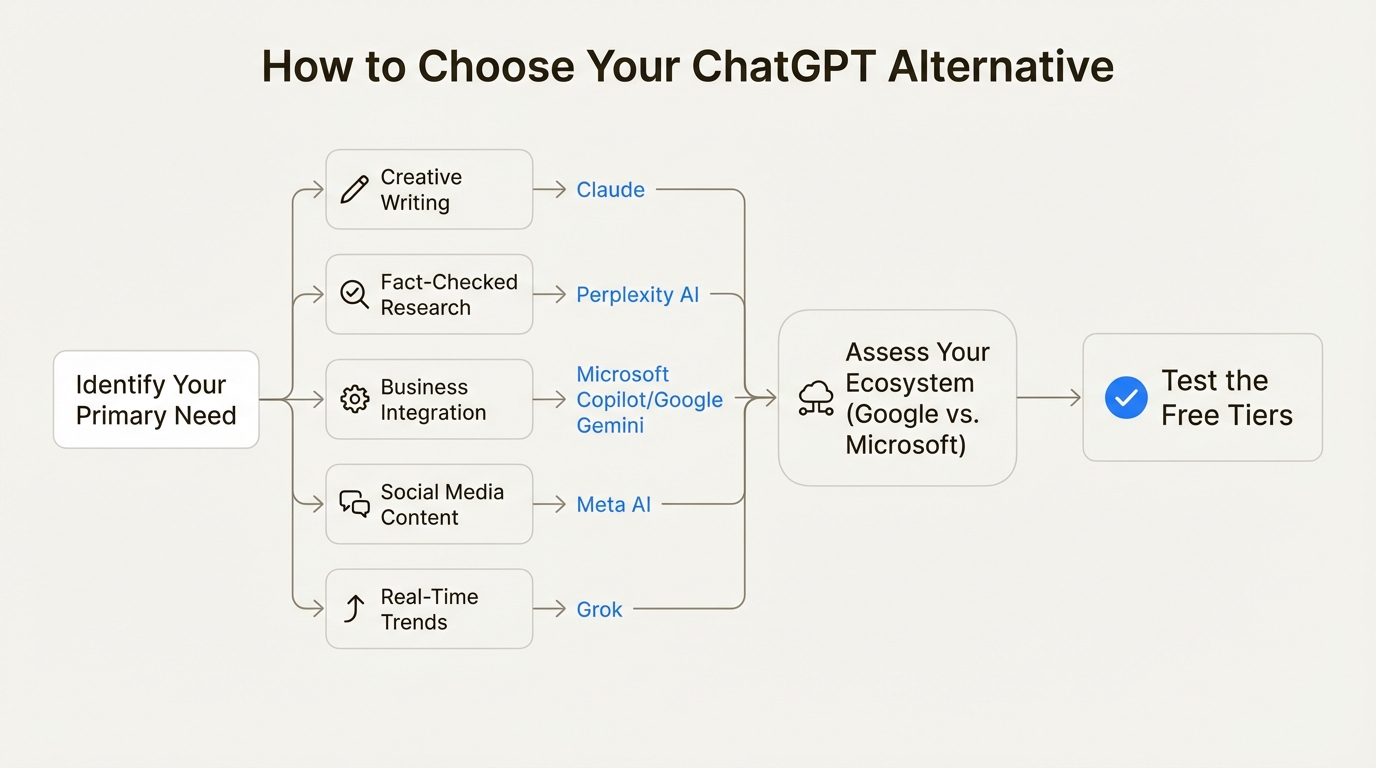
- Define your primary use case: What will you use it for most? A writer might lean toward Claude for its writing style, while a researcher would get far more value from Perplexity's citations. Be clear about your main goal.
- Consider your ecosystem: If your digital life is built on Google Workspace, Gemini is a logical choice. If your entire company runs on Microsoft 365, Copilot is the most integrated option.
- Security and privacy requirements must be evaluated first. When working with private details - such as customer records or money matters - robust protection matters most. Platforms including Claude stand out by handling business rules well while keeping data practices clear and open.
- Test the free tiers: Nearly every tool on this list has a free version. It is advisable to test them. Testing each tool with real-world tasks from your daily routine can help you see which one feels the most intuitive and delivers the best results for you.
- Don't look for a single "best" tool: The AI market is diversifying fast. The most productive workflow often involves using a few different tools. You might use Perplexity for research, Claude for writing the report, and Gemini for drafting the summary email.
Finding the right ChatGPT alternative for the job
If there’s one takeaway, it’s this: the era of a one-size-fits-all AI chatbot is over. The most suitable ChatGPT alternative is not a single platform but the one that perfectly aligns with your specific needs, your workflow, and your priorities.
For Google power users, Gemini is a natural extension of their digital world. For professional writers and security-conscious businesses, Claude offers a suitable environment. Some folks working with data might get some use out of Perplexity, while those already inside the Microsoft space could notice things run smoother thanks to Copilot.
Fast changes in artificial intelligence make it tough to stay current. If you need fresh reviews, step-by-step guides, or smart thoughts on tech, turn to TrendVerse for clear tools.
Frequently Asked Questions
What is the best free ChatGPT alternative?
It really depends on your needs. Google Gemini and Meta AI offer powerful free versions. Gemini is great for productivity within the Google ecosystem, while Meta AI is perfect for casual use and image generation within social apps like WhatsApp and Instagram.
Can a ChatGPT alternatives be used for professional writing?
Yes. Claude is a suitable choice for professional writing. What stands out is how it produces subtle, organized writing - also able to process extensive material, fitting needs for written updates or article drafts.
Is there a ChatGPT alternative that provides sources for its answers?
Yes, Perplexity AI is designed for this purpose. What makes it different is how it returns answers - not just facts, but where those facts come from too. Instead of vague results, you get live links straight to sources backing up what it says. For people digging through information, this turns searching into learning. It saves time by turning results into references you can actually check later.
How does a ChatGPT alternative integrate with work applications like Microsoft 365?
Microsoft Copilot is a key example. It's not a separate tool but an assistant woven directly into Word, Excel, PowerPoint, and Teams. It uses the context of your work to help you summarize meetings, draft documents, and analyze data without leaving the app.
Why would I need a ChatGPT alternative if the original is so powerful?
While ChatGPT is a great all-rounder tools are often more effective for specific jobs. You might need an alternative for real-time web access with citations (Perplexity AI), deeper integration with your work suite (Copilot, Gemini), or enhanced security for sensitive data (Claude).
Which ChatGPT alternative is best for understanding real-time social media trends?
Grok is designed for this. Its direct integration with the live feed of X (formerly Twitter) gives it a unique ability to provide insights on breaking news, viral trends, and public sentiment as it happens.


Comments (0)
Leave a Comment